
DRPU Database Converter – Excel to Phonebook Screenshots
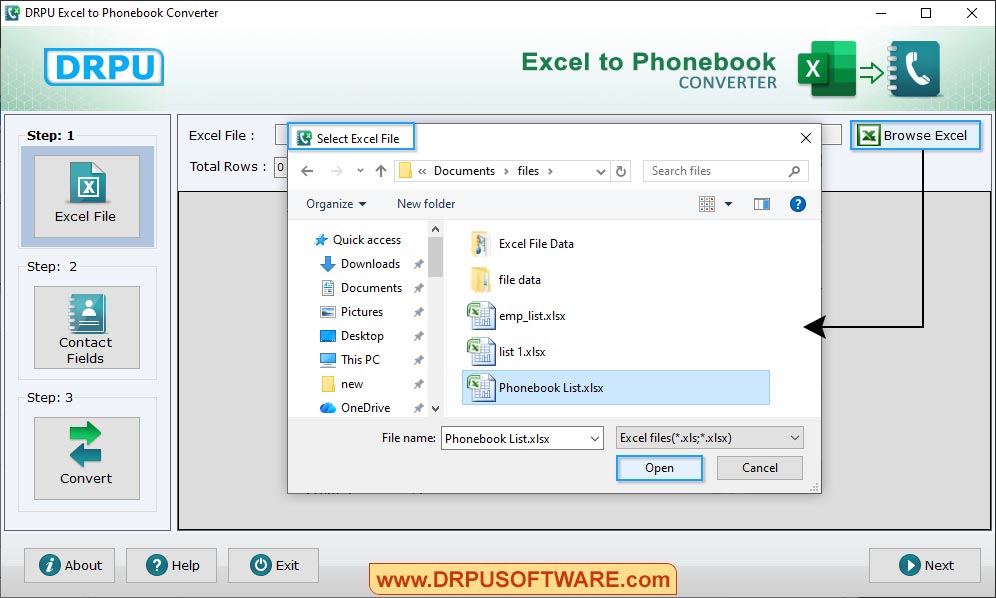
Choose doucument file as per your requirements and Click on 'open button' to start conversion process.
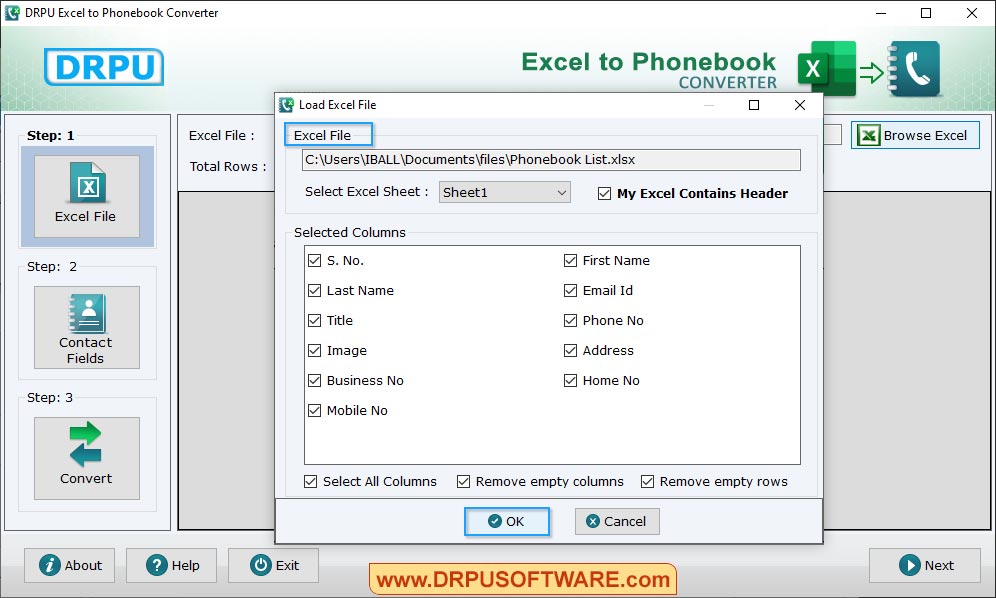
Load excel file and also select path file.
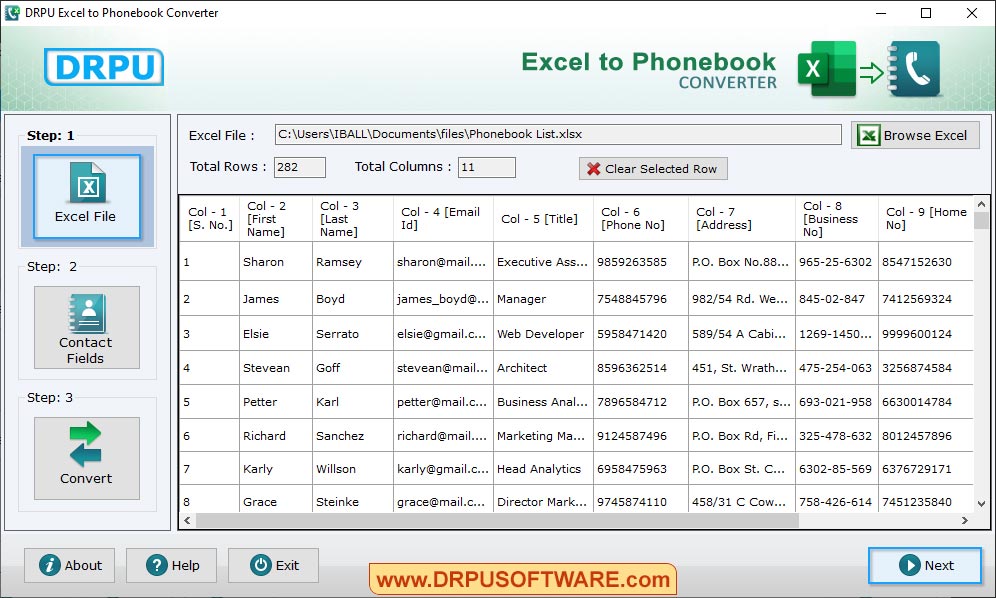
Browse Excel File of contact details which you want to convert into phonebook file.
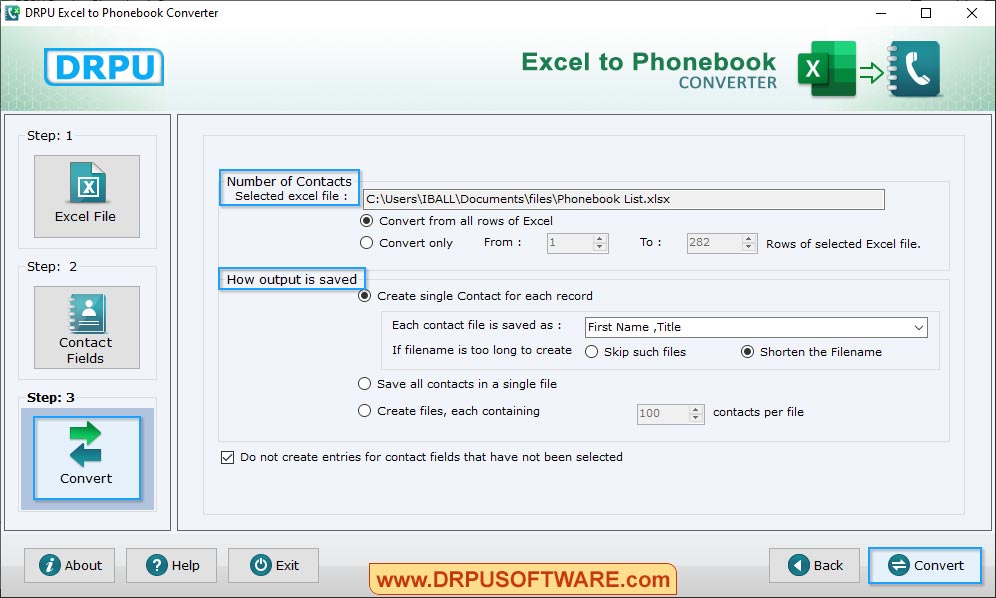
Select 'Number of Contacts' and 'How output is saved'. Click 'Convert' button to start conversion process.
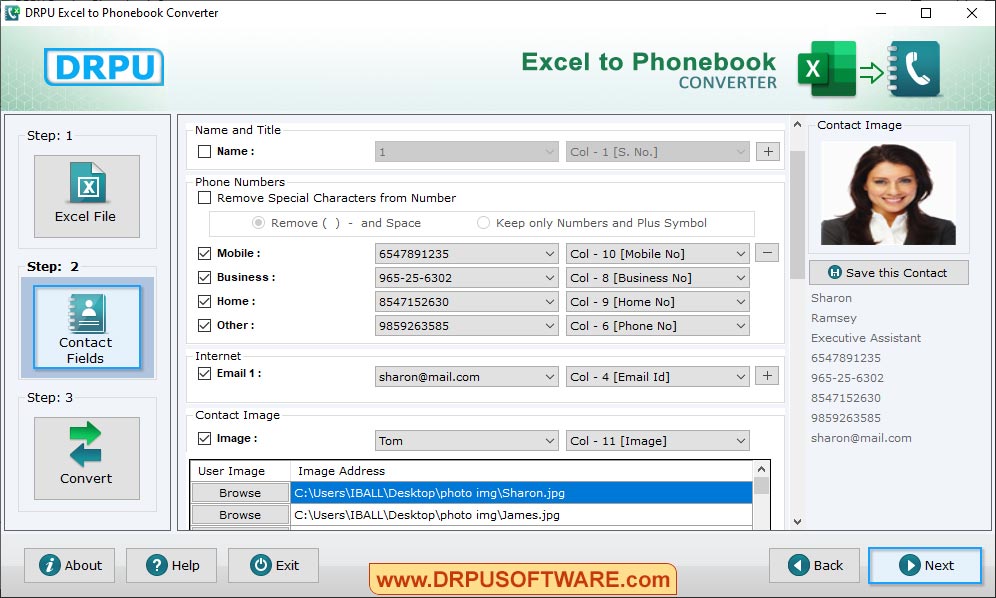
Click on "Contact Fields" and fill all required fields like Name and Title, Contact image, phone numbers etc.
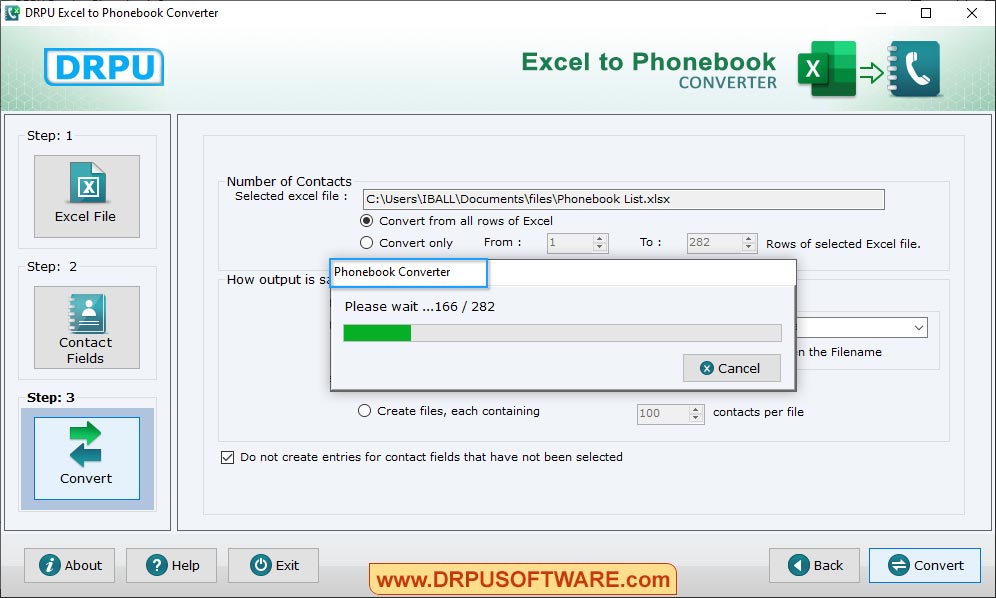
Choose Options as per your requirements and Click on 'Convert button' to start phonebook conversion process.
Our Files & Database Converter Software :-

MS SQL to MySQL Database Converter

Excel to Windows Contacts Converter

MySQL to MSSQL Database Converter

MS Access to MySQL Database Converter

MySQL to MS Access Database Converter

MS Excel to MySQL Database Converter

MySQL to MS Excel Database Converter

Oracle to MYSQL Database Converter

MySQL to Oracle Database Converter

DRPU Excel to vCard Converter

DRPU Excel Converter

DRPU Excel to Phonebook Converter