
DRPU Mac Barcode Label Maker - Corporate Edition Screenshots
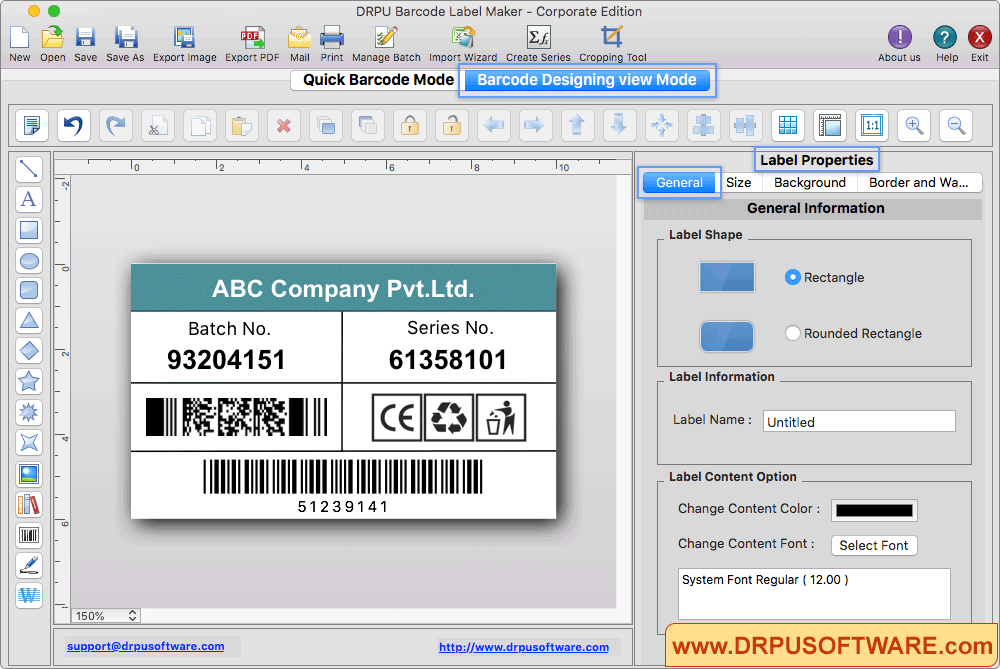
Design barcode label according to your choice using various designing tools. Click on barcode to fill various barcode properties.
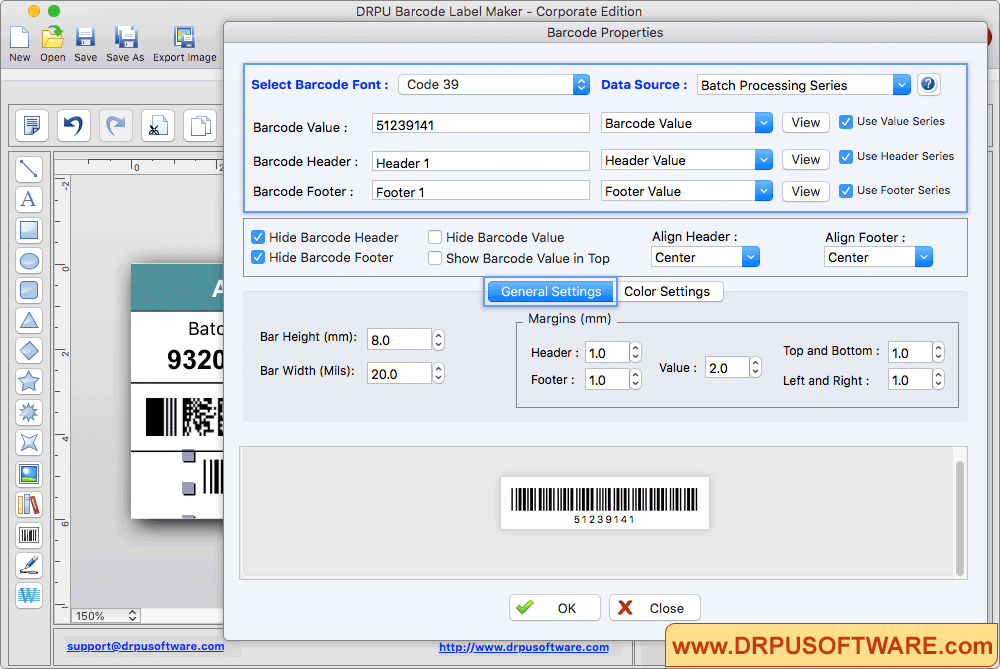
Fill various barcode properties including Barcode Font, Barcode Value, Barcode Header and Barcode Footer.
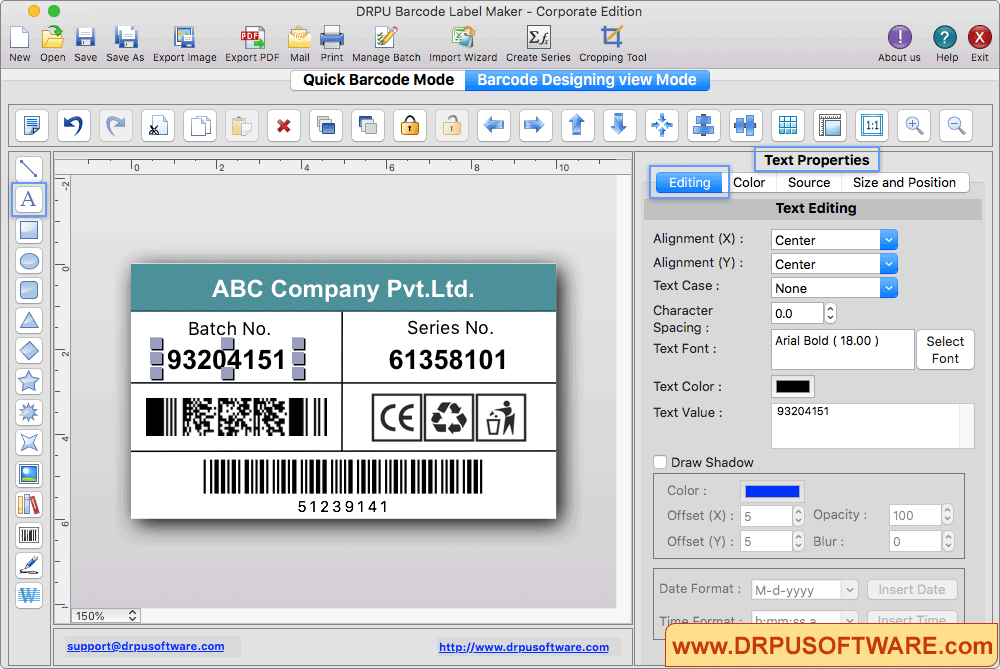
To add text on label click on Text option and fill various text properties.
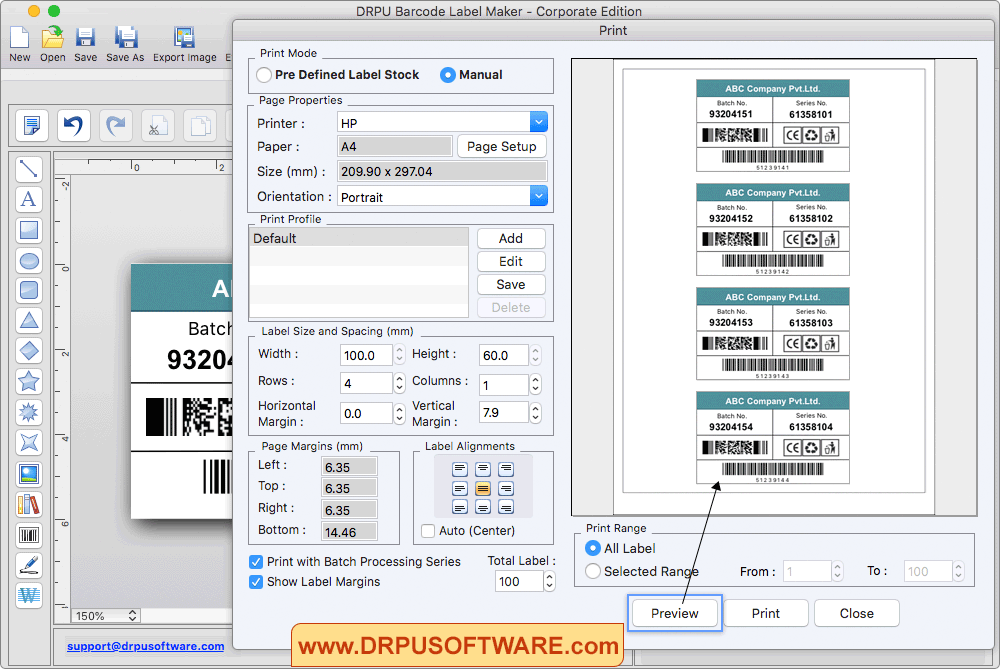
For printing designed barcode labels, adjust various print settings and click on Print button. To see the preview of barcode labels, click on 'Preview' option.
Other Barcode Software :-

Barcode Label Maker Software

MAC Barcode Maker - Standard

MAC Barcode Maker - Corporate

Barcode Label Maker - Corporate Edition

Barcode Label Software - Professional

Barcode Software for Publishers and Library

Barcode Software for Health Care Industry

Barcode Software for Post office and Banks

Barcode Software for Packaging and Supply

Barcode Software for Industrial Business

Barcode Software for Inventory Control