DRPU Free DRPU Kids Photo Frame Maker for Mac
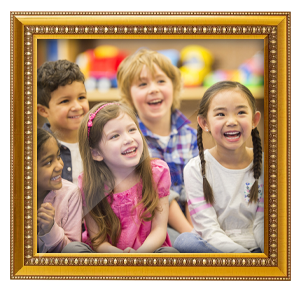
Frame your child's memories with some of the best kids frames using DRPU Kids Photo Frame Maker. Free app allows you to insert your baby and kids photos into different preloaded designed picture frames. Now you can easily decorate your kids photos and make them beautiful and memorable.
Software facilitates you to choose any frame that best suits your kid's photo, a photo with family or on her/his first birthday. You can create multiple copies of kids photo frame with different images and text value using Batch Processing Series feature.
Screenshots of DRPU Kids Photo Frame Maker for Mac
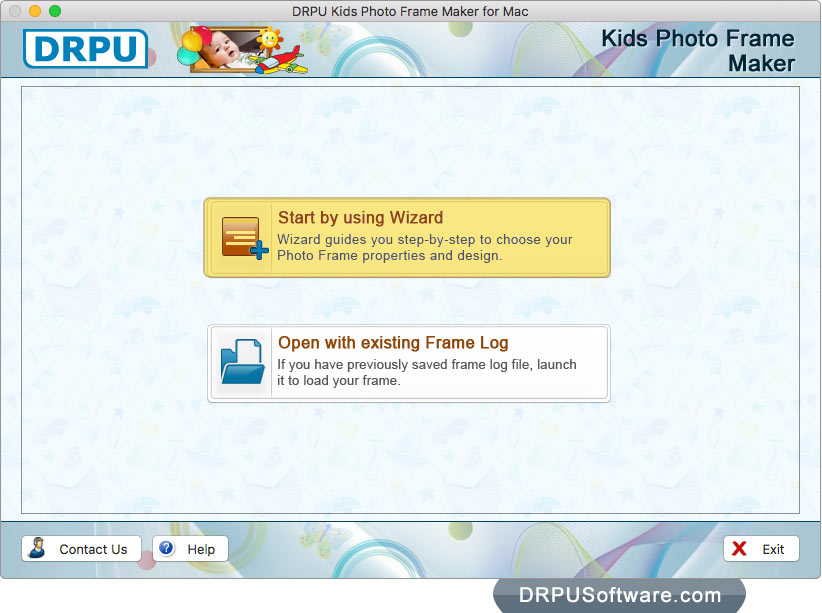
Select either 'Start by using Wizard' or 'Open with existing Frame Log' option.
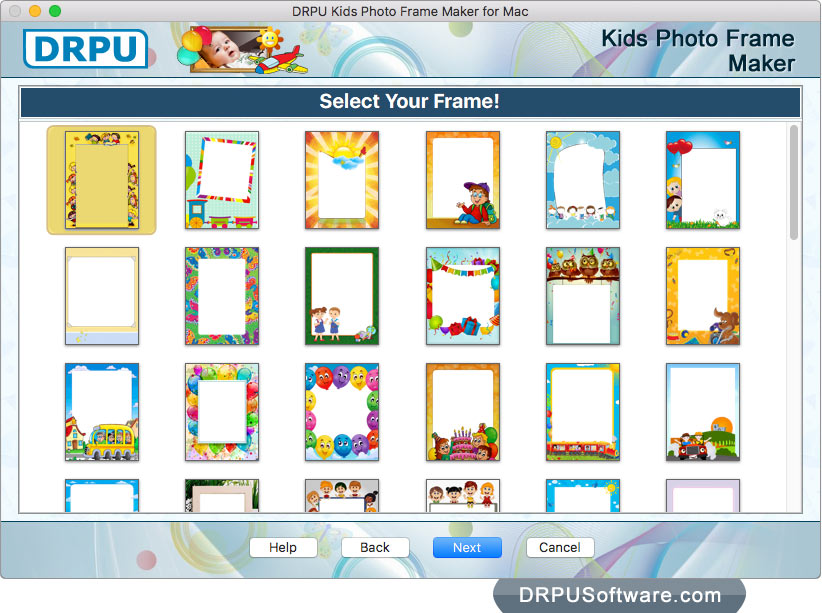
Choose any one frame according to your requirement and click on 'Next' button.
Choose any one frame according to your requirement and click on 'Next' button.
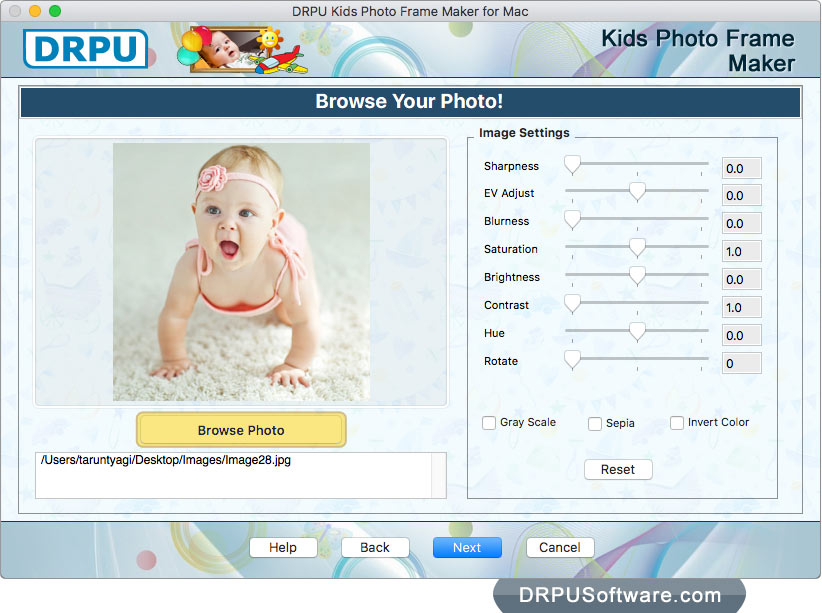
Browse your photo which you want to insert into selected frame. You can also adjust Sharpness, Brightness, Contrast, Hue, Blurness of photo using Image Settings.
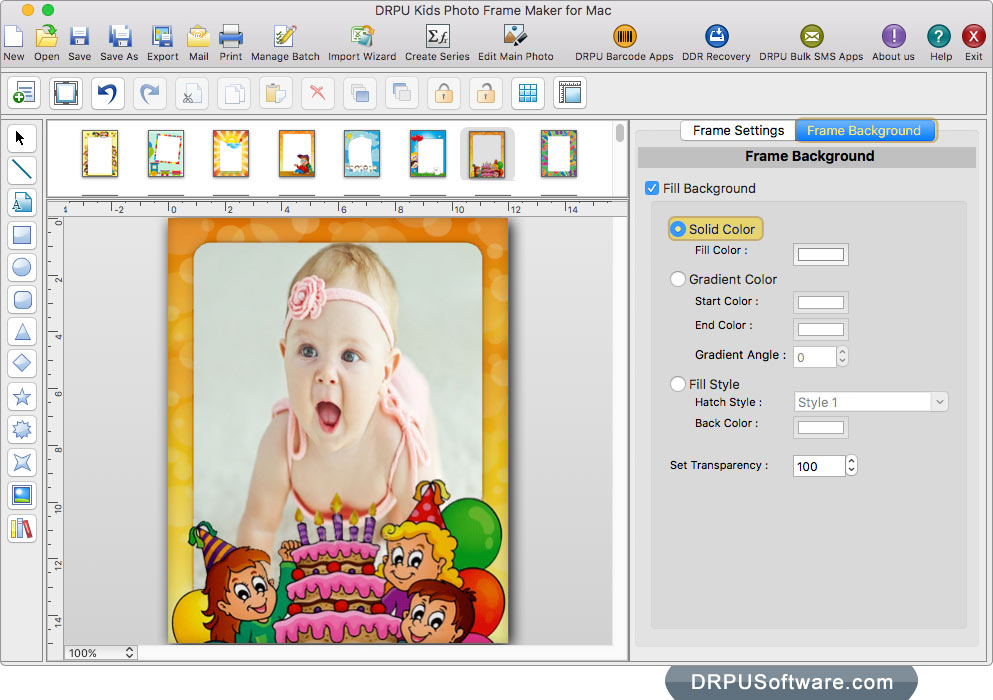
You can also adjust Frame Background settings like Solid Color, Gradient Color, Transparency, etc.
You can also adjust Frame Background settings like Solid Color, Gradient Color, Transparency, etc.
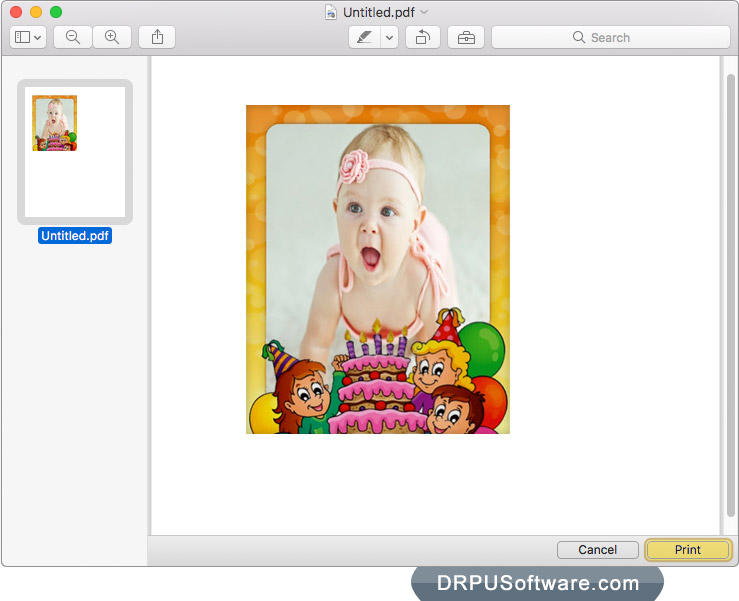
Print preview of kids photo frame. Click on 'Print' button to print your kid's photo with frame.
Software Features :
Provides option to send decorated kids photos with designed frames at particular email address using advanced inbuilt E-mail Settings.
Software provides facility to save kids photo frames in various file formats including JPEG, PNG, TIFF, Bitmap, GIF and PDF.
Generate multiple copies of Kids photo frames with different images and text value using Batch Processing Series feature.
You can print kids photo frame using advanced inbuilt Print Settings.
To create Kids photo frame, choose either 'Start by using Wizard' or 'Open with existing Frame Log option.