DRPU Happy Birthday Photo Frame Maker for Mac

DRPU Happy Birthday Photo Frame Maker to beautify your photos and wrap them up with the beautiful birthday Photo Frames to make the moments of happiness unforgettable.
Having a birthday party soon? Wish to capture every memorable moments in photo frames? DRPU Software presents "Happy Birthday Photo Frame Maker" app to decorate your photos with beautiful Birthday Photo Frames and send it by E-mail. Using DRPU Happy Birthday Photo Frame Maker , you can send your Birthday greetings by applying frames to your photos with your own images.
How to print and apply frames on your photos using Mac
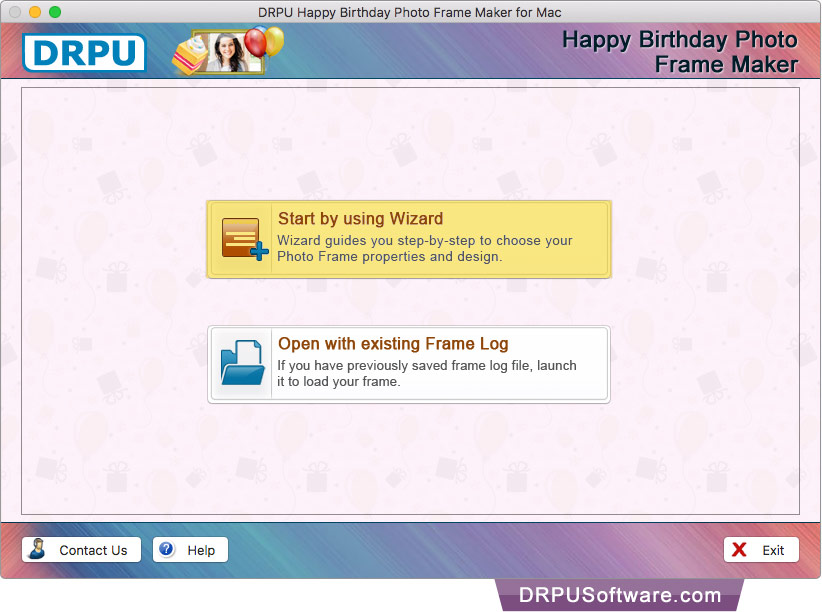
Select either 'Start by using Wizard option' or 'Open with existing Frame Log'.
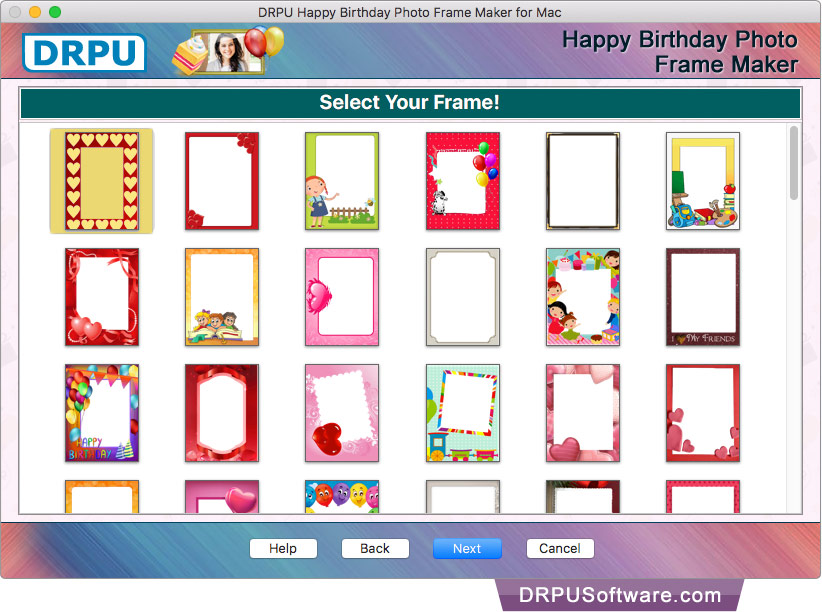
Select Frame you want to apply on photos and Click 'Next'.
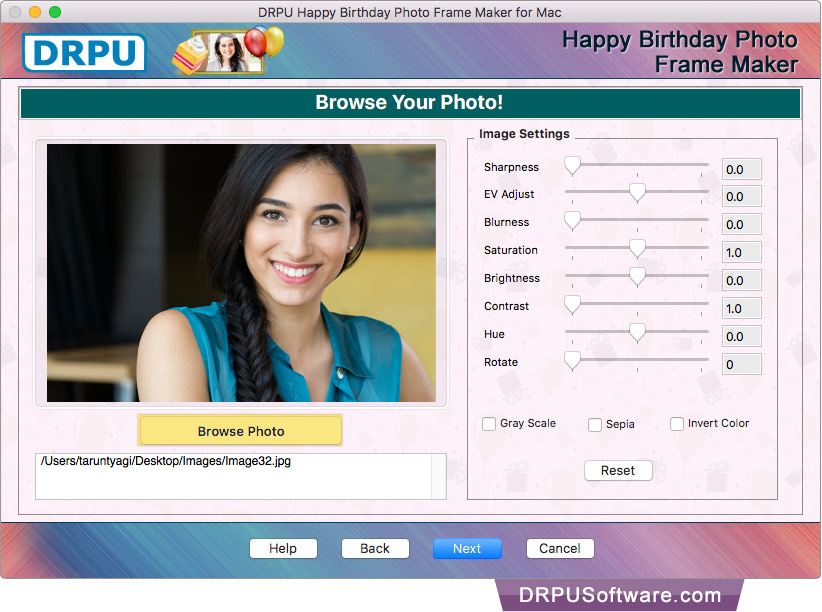
Browse photo and adjust sharpness, Brightness, Contrast etc. using Image Settings.
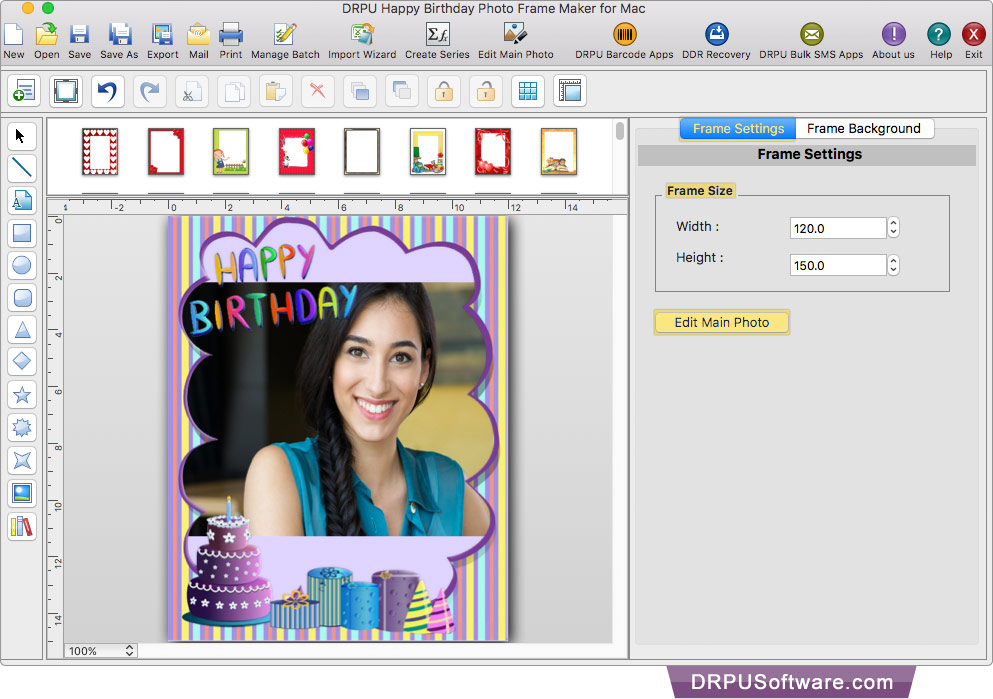
Using 'Frame Settings' you can change frame size as well as frame background as per your requirement.
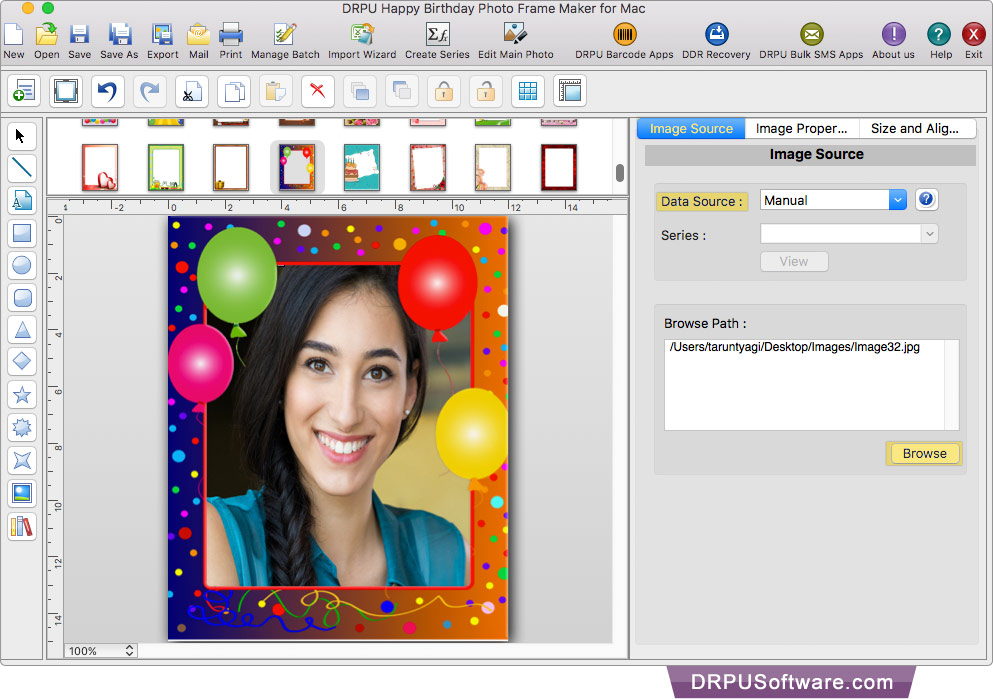
If you want to change your photo then you can also browse the path of another image using Image Source option.
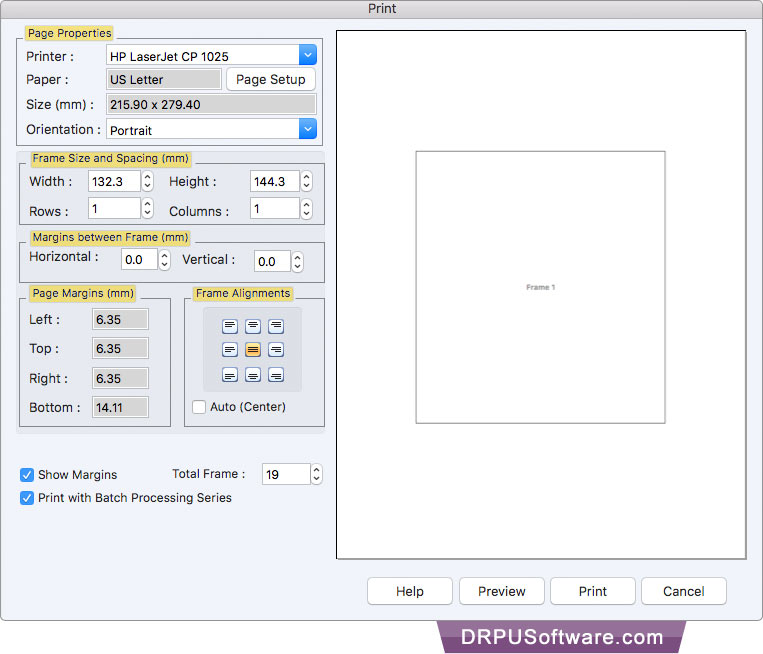
To print photo with frame, set all page properties and other print settings. Then click 'Print' button. If you want to see the preview of your photo with frame, click "Preview" button.
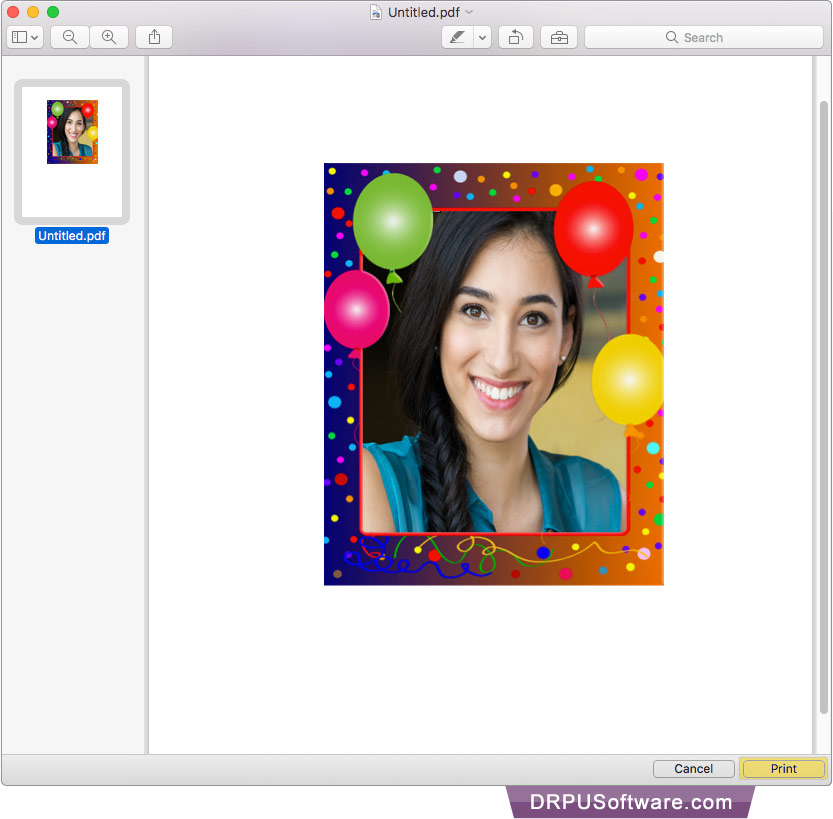
Here is your print preview, Click 'print' button to print photo with frame.
Software Features :
You can adjust image brightness, blurness, sharpness, saturation, hue, contrast, rotate etc.
Adjust alignment of photo of you and your partner by moving to left, right, top, bottom and center.
Using advanced print-settings you can print your anniversary photo with frame.
Free app provides email-settings feature to send decorated photo of couple with anniversary photo frame at specified email ids.
Easily save your anniversary photo with frame in various file formats such as JPEG, TIFF, Bitmap, PNG, GIF and PDF.
Using Batch Processing Series Option of application you can generate and print multiple copies of anniversary photo frame with different photos and text value.