DRPU Video Reverser Software

DRPU Video Reverser software is a Freeware tool to reverse a video in just a single click. DRPU video reverse app is free and turns video backward in seconds. DRPU Editor tool supports all the common formats like MP4, MOV, AVI, and many more. It plays reverse video from the end to the start use. This reverse video tool provides you to choose the output bitrate, frame rate, and speed of the video file.
How to Reverse Video Files ?
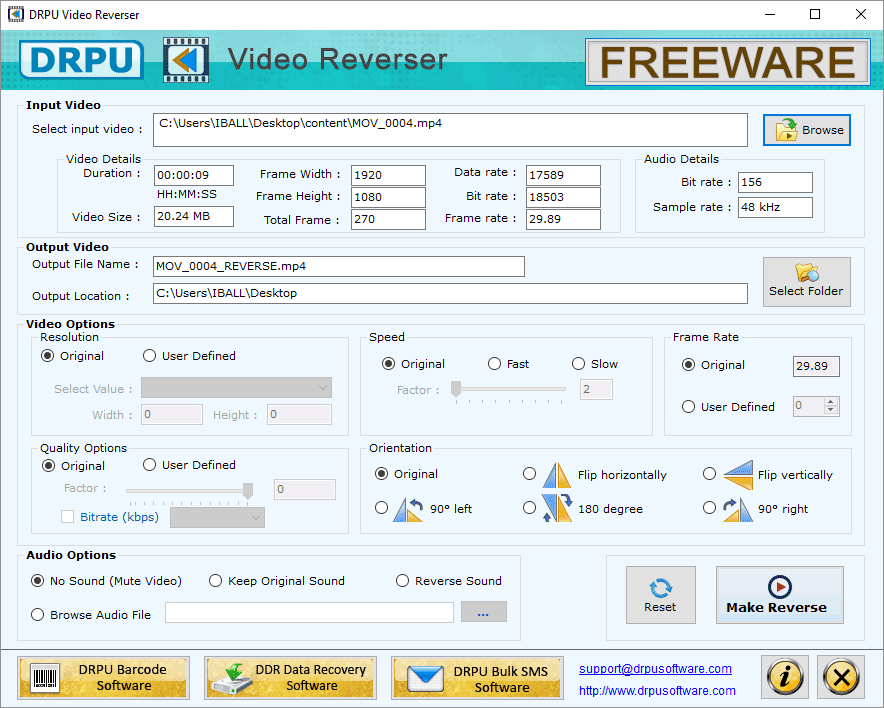
Browse Input Video file then select the Output Location.
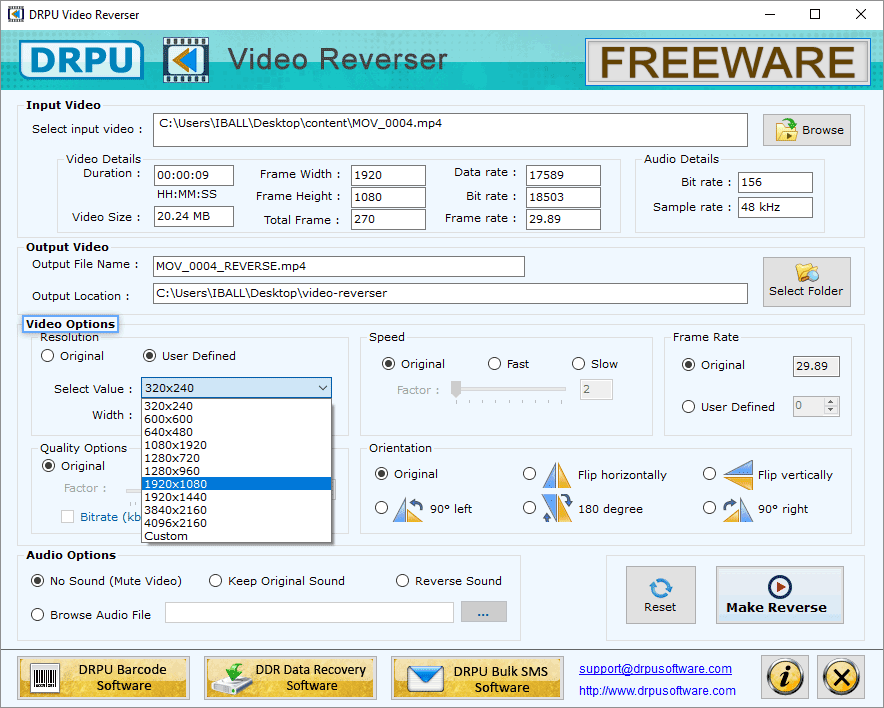
In Video Options, change Resolution, Speed and Orientation of the resulting video.
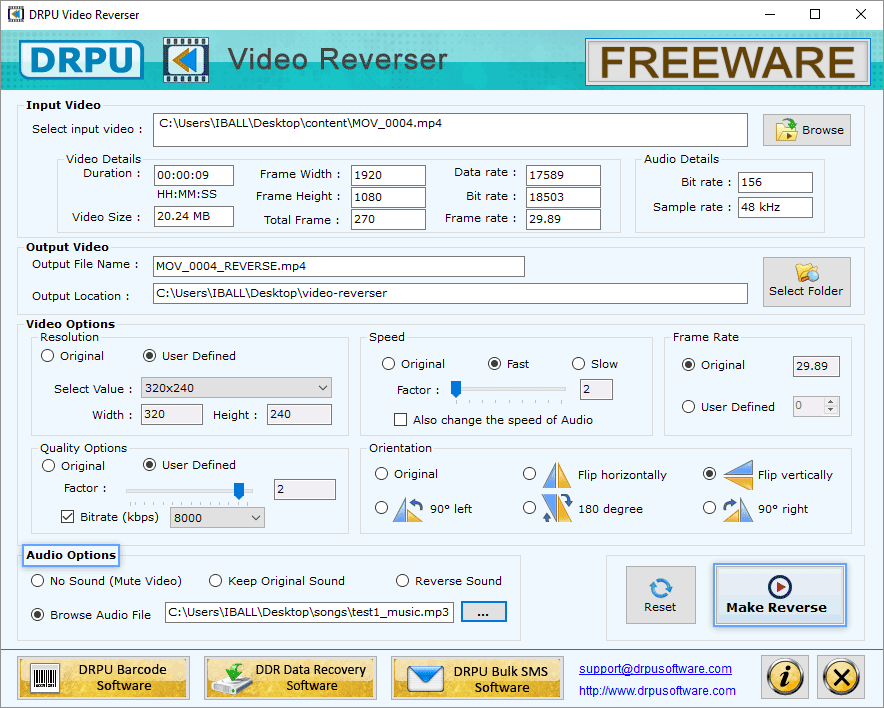
Select "Browse Audio File" to add sound in the video. Then, click Make Reverse.
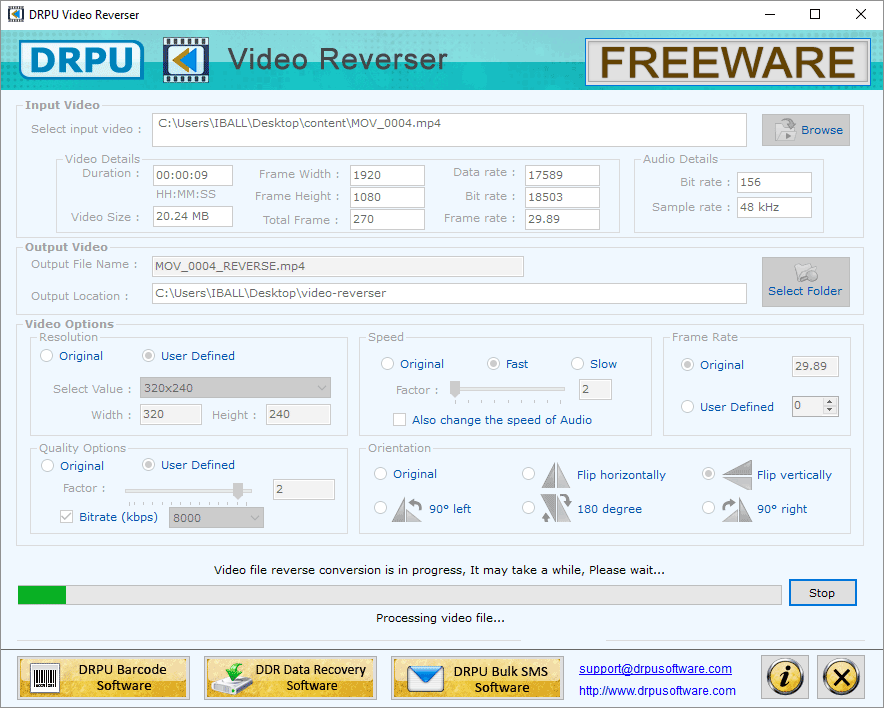
After completing the conversion, you can play them backward.
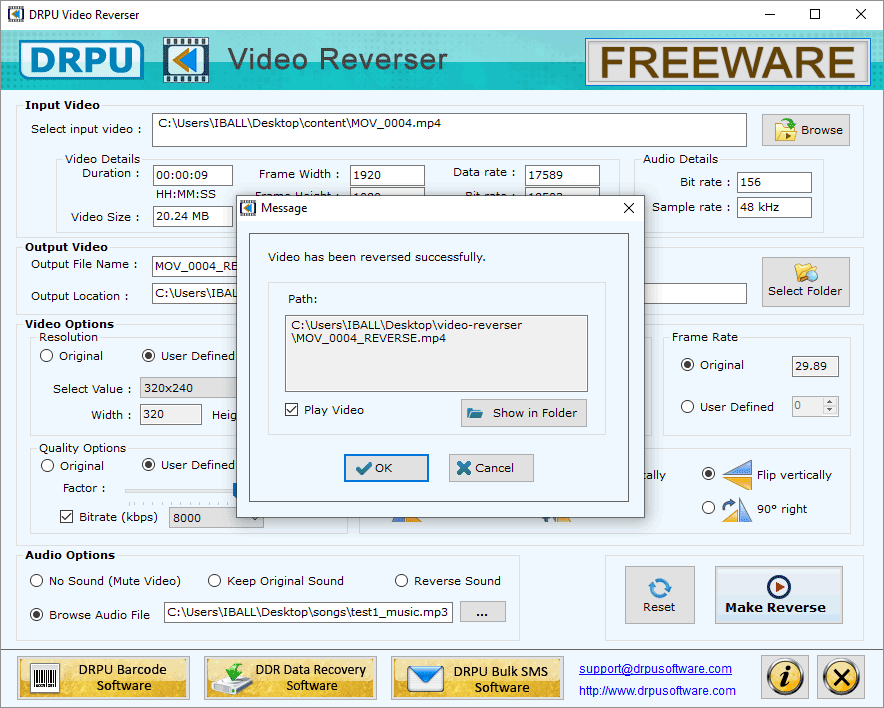
Video has been reversed successfully.
SOFTWARE FEATURES :
Split videos as per your choice into equal parts or choose different time duration to trim your movie clips.
It comes with a user-friendly interface and many more video editing features like Convert to Mute Video or Extract only Audio.
Split and Trim various video file formats such as MP4, 3GP, AVI, FLV, MKV, WMV, MOV, M4V, and more.
This video splitter is designed to split video files into smaller parts so that they can be saved separately.
It offers you to change the resolution of the output video files as per requirement.
This Video Splitter Software for PC is available for free download and the installer is compatible with Windows 10, Windows 8, and Windows 7 operating systems.