DRPU Get Well Soon Greeting Cards Designer for Mac

Send well wishes to a sick friend, someone special, or your loved ones using free DRPU Get well soon Greeting Cards Designer for Mac.
➤ You can create personalized printable Get well soon cards on Mac OS X installed machine with option to add photo of the person, whose card you're designing. Software facilitates you to choose your Get well soon greeting card designs from pre-loaded or custom templates.
Step-by-Step Guide: How to design DRPU Get Well Soon Greeting Cards on Mac
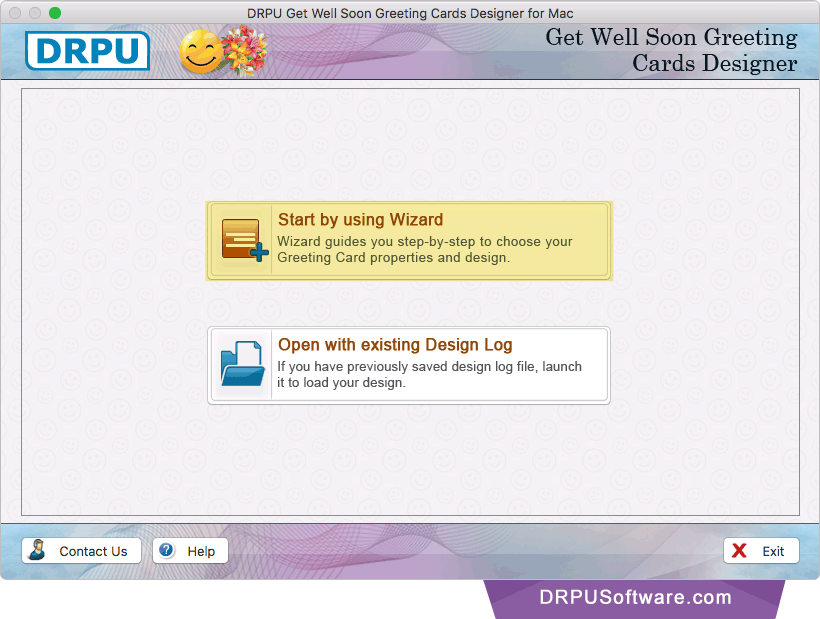
Select any one option either 'Start by using Wizard' or 'Open with existing Design Log' for Get well soon greeting cards designing.
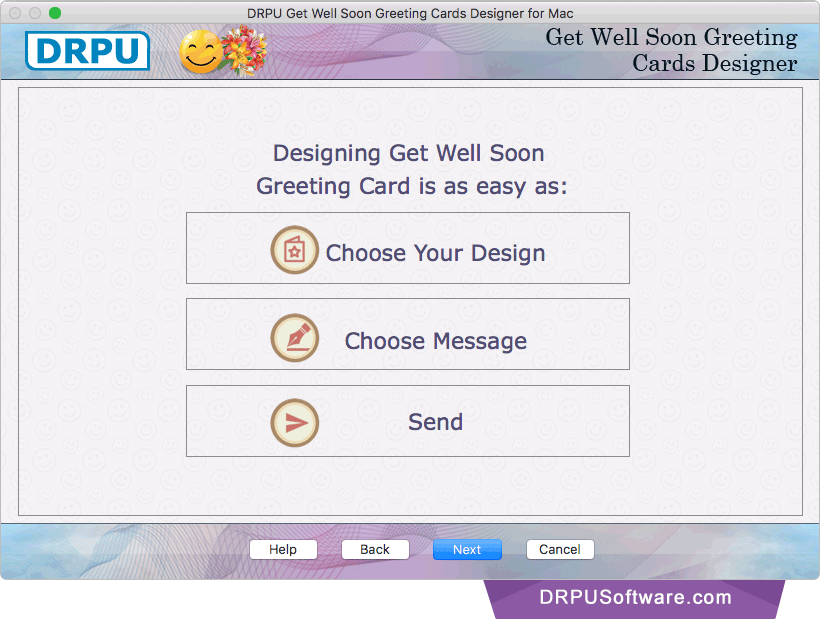
Choose your Get well soon greeting cards design, message and then send designed card. Click on 'Next' button.
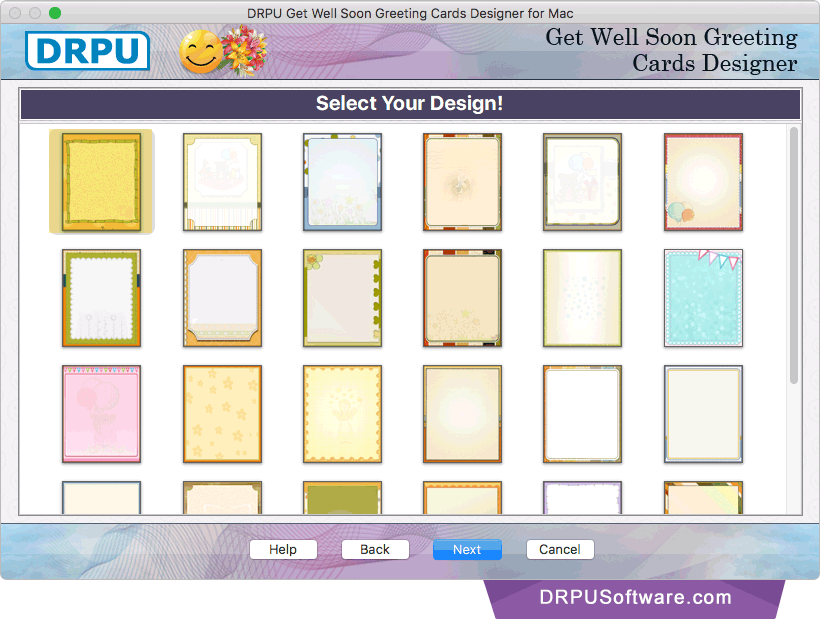
Choose your Get well soon cards design sample according to your requirement.
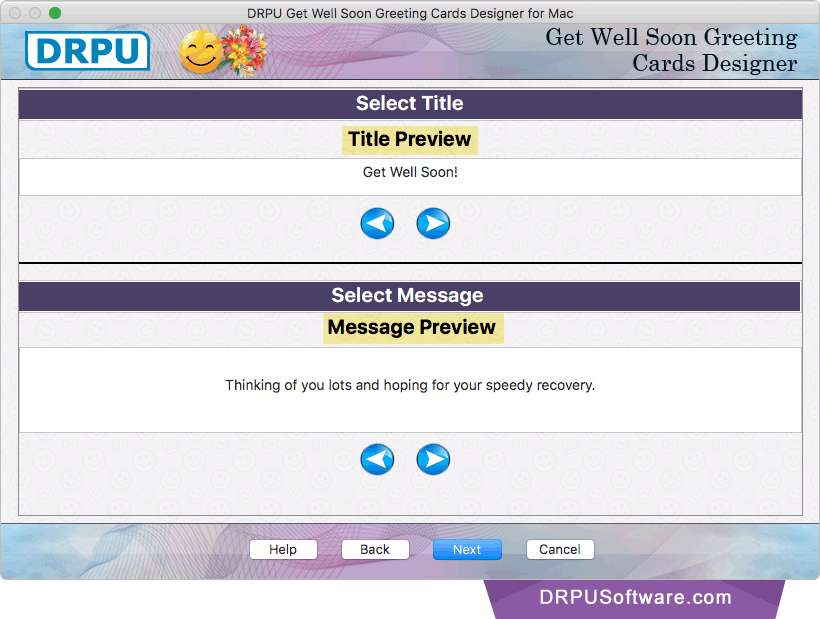
Select title and message for your Get well soon card. Now, go to the 'Next' button to proceed.
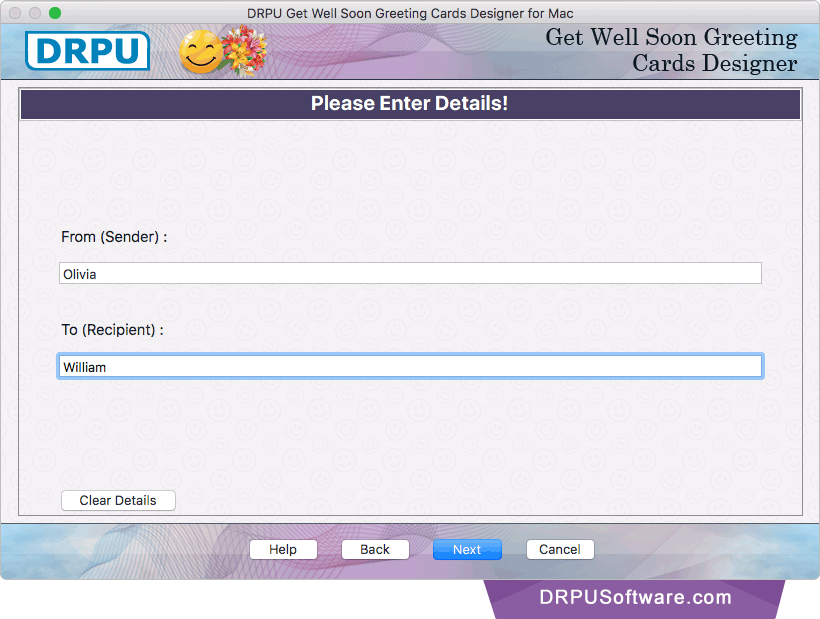
Enter details of sender and recipient for your card.
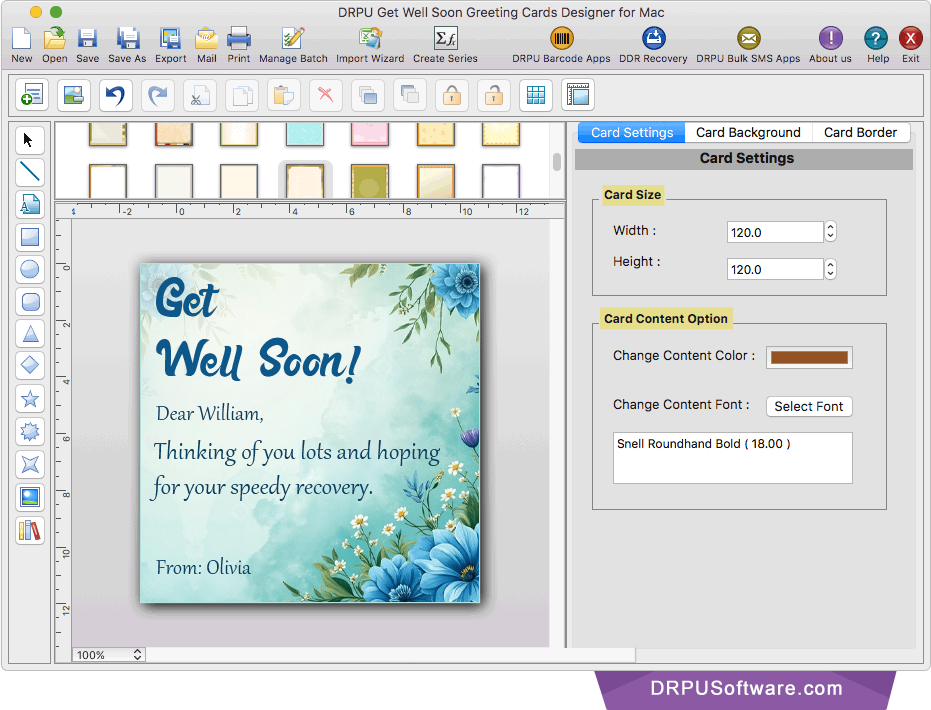
Using 'Card Settings' you can adjust card size and change content color and font as per your need.
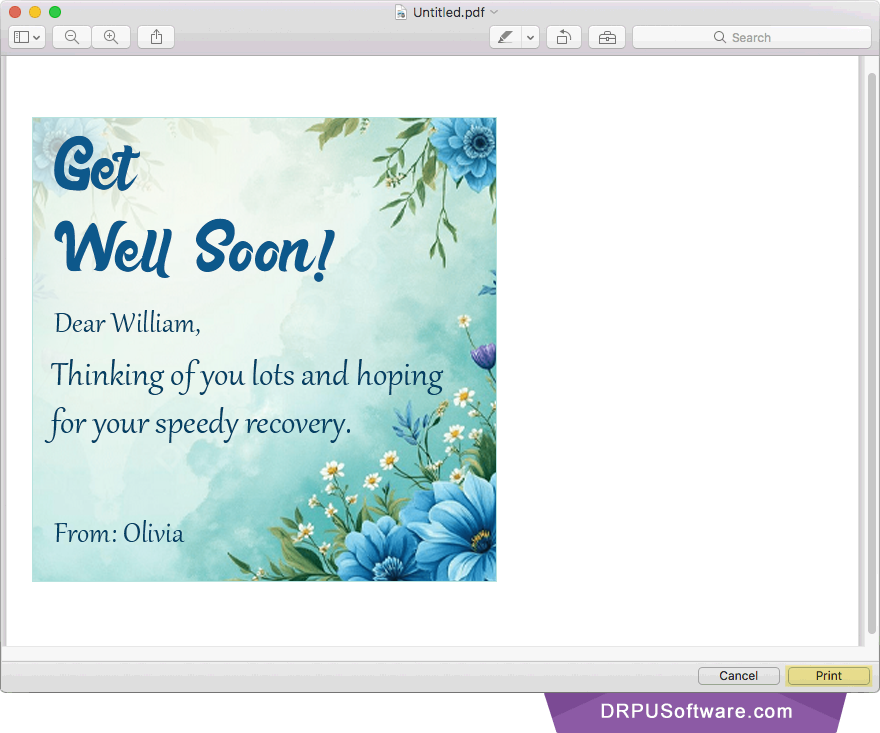
Now, you can see the print preview of your designed Get well soon greeting card. Click on 'Print' button to print designed card.
Software Features
Provides E-mail Setting feature to send your designed Get well soon greeting cards at specified email address.
You can design multiple copies of Get well soon Card with different images and text value using Batch Processing Series feature.
For designing Get well soon greeting cards, You can choose either 'Start by using Wizard' or 'Open with existing Design Log' option.
Save your designed Get well soon cards in JPEG, TIFF, Bitmap, PNG, GIF, PDF and other file formats.