
DRPU MSI to EXE Creator Screenshots
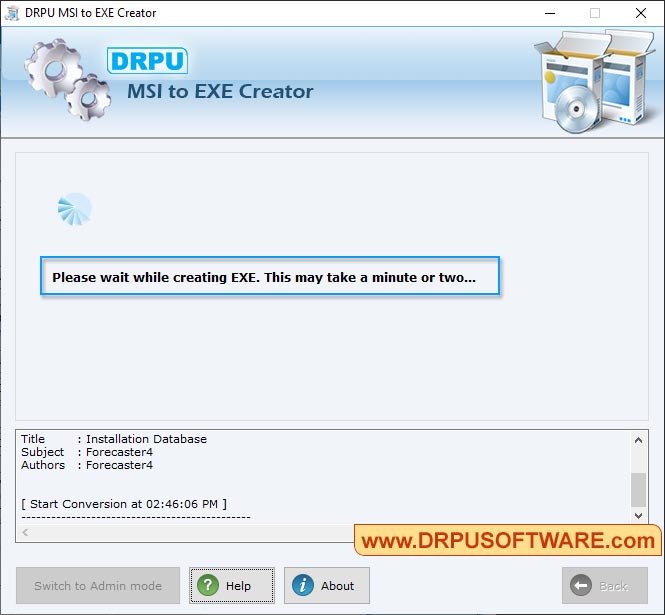
Select .msi file to convert into .exe file format.
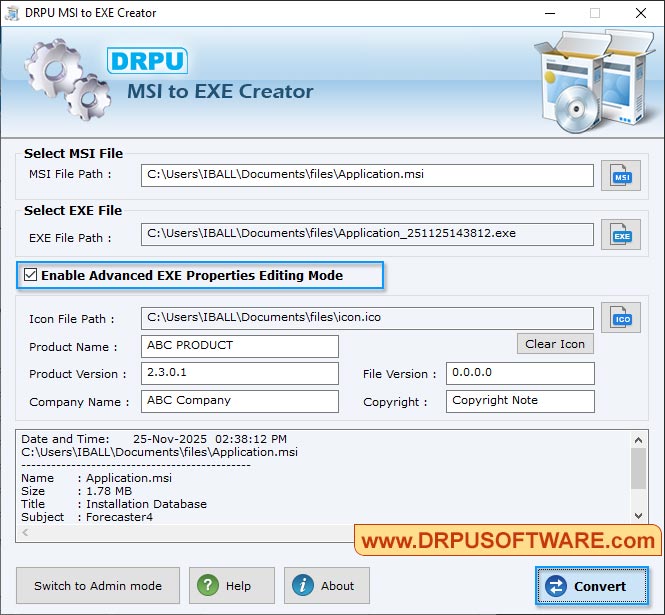
Click 'Open' button. Enable Advanced EXE properties editing mode and click on Convert button to convert into .exe file format.
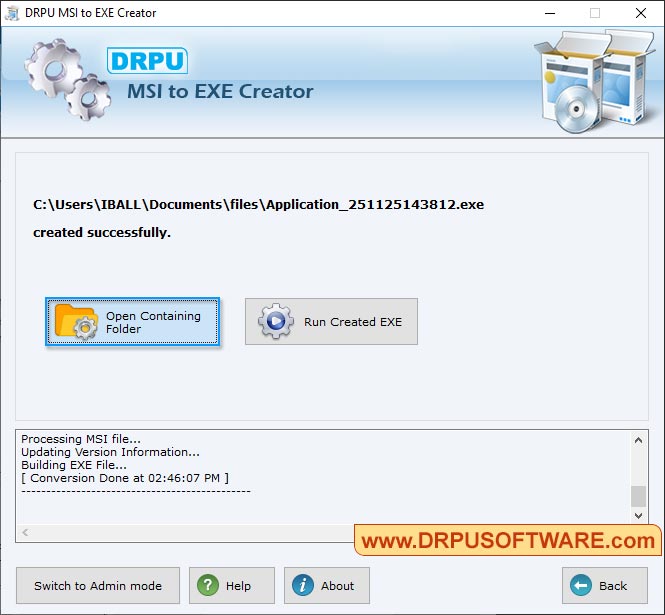
You can also select open containing folder and create msi to exe file.
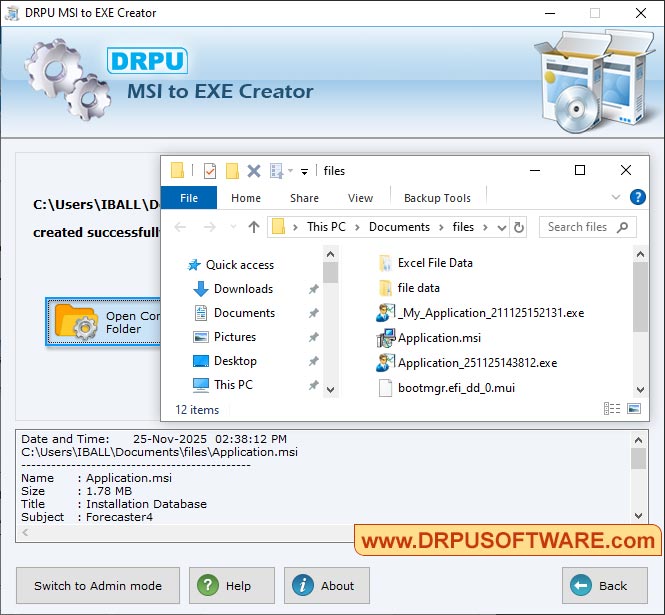
User can select document file as per requirements.
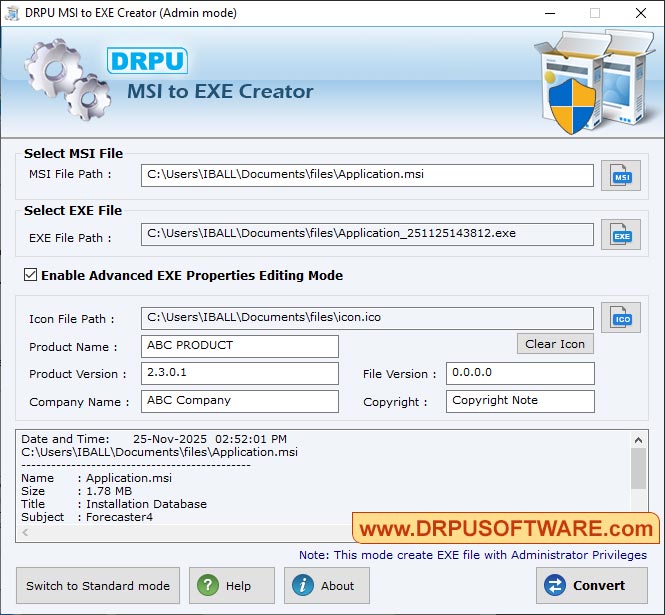
Browse MSI path for selecting .msi file then browse EXE Path where you want to save converted .exe file. Click on “Convert” button to start conversion process.
Our Developer Tool :-

