
DRPU Bulk SMS – GSM Screenshots
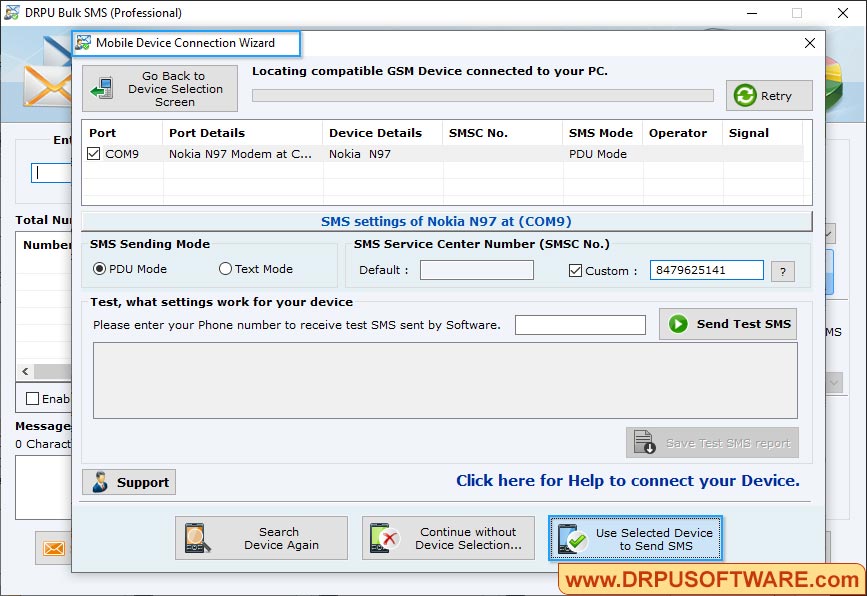
Select Com Port from Connected Device List and view selected device details in "Selected Device Details" box. Now click "Use Selected Device to send SMS".
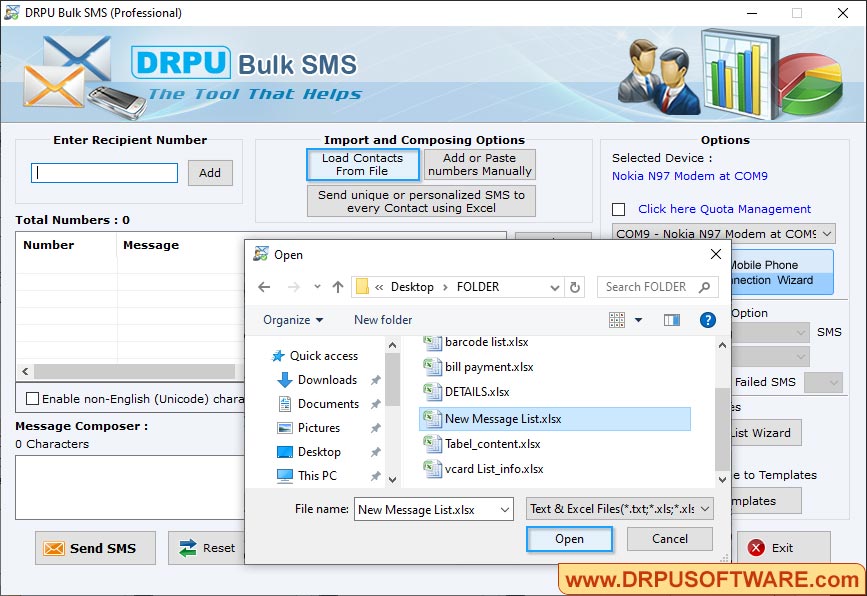
Load contacts from “Load Contact from File” option. Click on “Send” button to send messages.
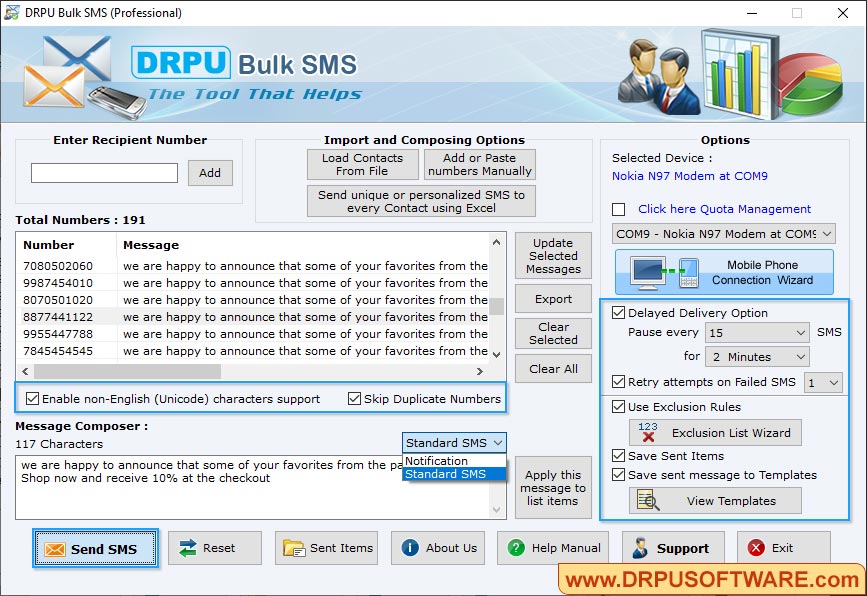
Select your mobile phone device for sending bulk sms and click on save and sent items. In above screenshots based mobile phone is selected.
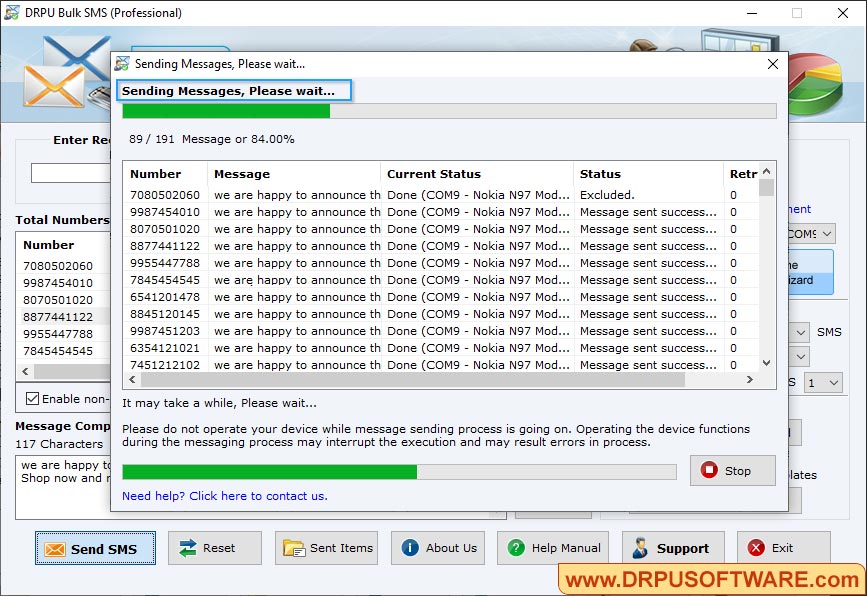
Screenshots shows message sending process.


